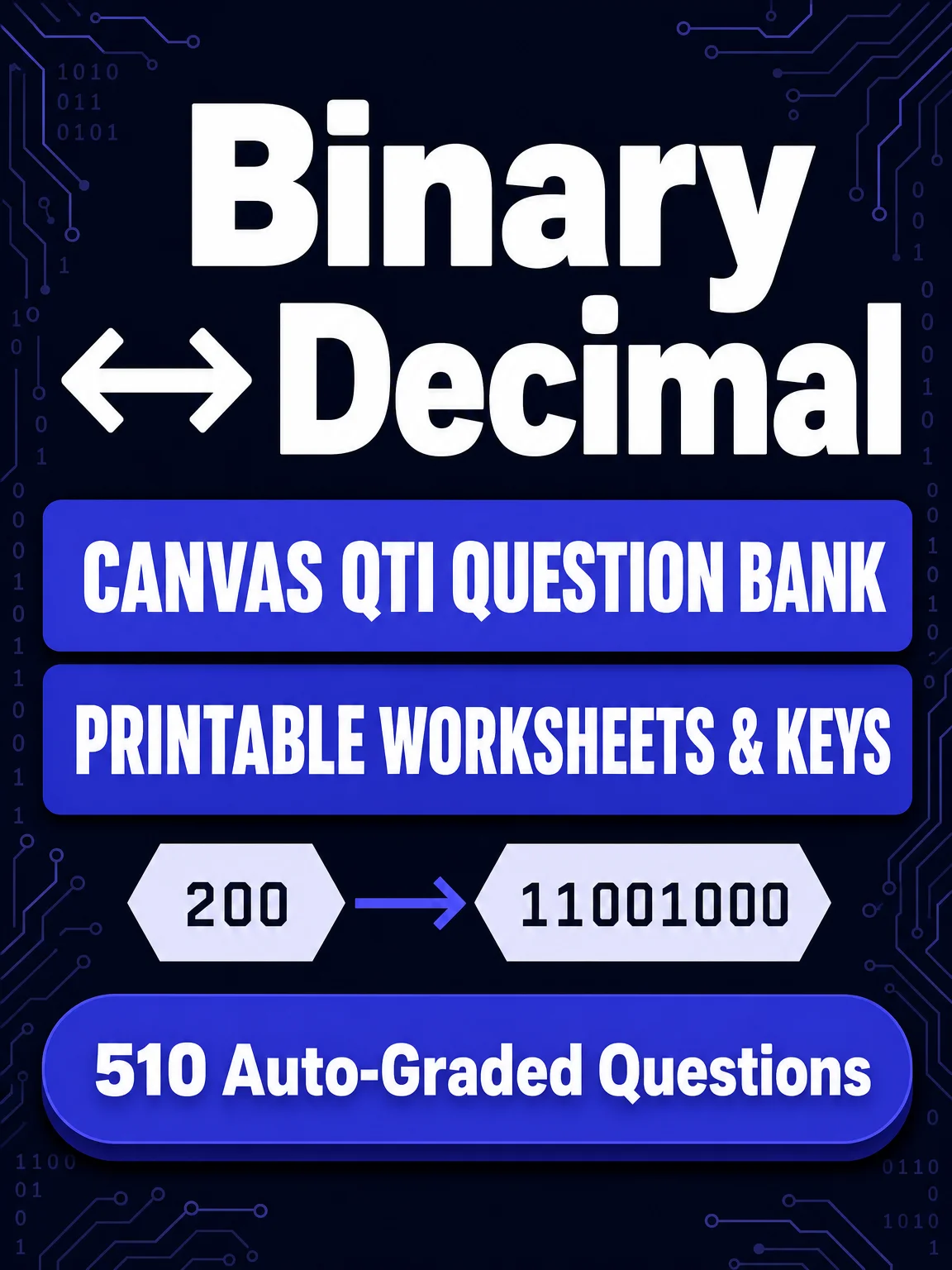
Binary ↔ Decimal Conversions — 510 Fill-in-the-Blank Questions
Use it to build practice quizzes, homework, or exit tickets on number base conversion — no multiple-choice guessing, students type the actual answer.
What you get
-
A ready-to-import Canvas QTI
.zipfile (binaryDecimal.zip) — 510 unique fill-in-the-blank questions, values 1–255, both directions -
2 printable 10-question worksheets (PDF, with answer keys)
-
2 printable 20-question assessments (PDF, with answer keys)
-
A PDF guide covering import steps and answer-key behavior
Print the worksheets and assessments and use them right away — no setup required.
Import into Canvas
-
In your course, go to Settings → Import Course Content.
-
Set Content Type to QTI .zip file.
-
Upload
binaryDecimal.zip. -
Under Question Bank, choose an existing bank or create a new one to hold these questions.
-
Click Import and wait for the migration status to finish.
-
Open Quizzes → Manage Question Banks to see the imported questions, ready to drop into any quiz.
How Canvas grades answers
Fill-in-the-blank answers are matched as exact text, so here's exactly what's accepted:
-
Decimal — the plain number (e.g.
125) -
Binary — no leading zeros, zero-padded to 8 digits, or zero-padded to 8 digits with a space after the 4th digit (e.g.
11001,00011001, or0001 1001)
In short: 11001, 00011001, and 0001 1001 all score correct for 25, but 011001 or 0011 001 does not.
Want more?
Need another worksheet or assessment? Visit


