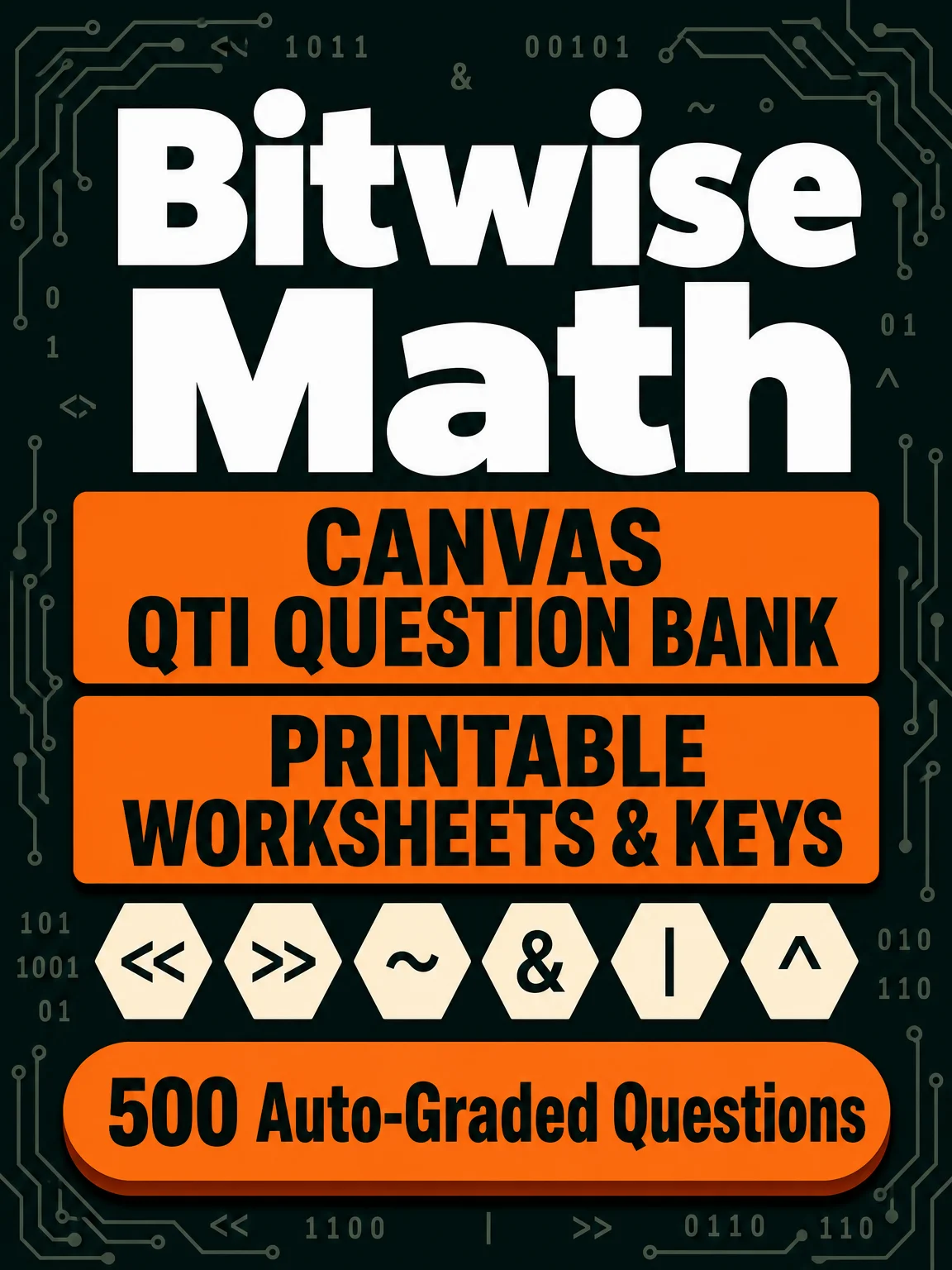
Bitwise Math: Shifts, NOT, AND, OR, XOR — 500 Fill-in-the-Blank Questions (Canvas QTI Question Bank)
<<), right shift (>>), bitwise NOT (~), AND (&), OR (|), and XOR (^). Each question shows the expression using the operator directly, for example 45 << 3 or 45 & 22, and asks for the resulting decimal value.
-
100 left-shift questions (shift amounts 1–4)
-
100 right-shift questions (shift amounts 1–4)
-
100 bitwise NOT questions, each stating the assumed 16-bit unsigned width directly in the question text
-
67 AND, 67 OR, and 66 XOR questions, each on a pair of distinct numbers
Use it to build practice quizzes, homework, or exit tickets on bitwise operations — no multiple-choice guessing, students type the actual answer.
What you get
-
A ready-to-import Canvas QTI
.zipfile (bitwiseMath.zip) — 500 unique fill-in-the-blank questions, values 0–2047, across all six operations -
2 printable 10-question worksheets (PDF, with answer keys)
-
2 printable 20-question assessments (PDF, with answer keys)
-
A PDF guide covering import steps and answer-key behavior
Print the worksheets and assessments and use them right away — no setup required.
Import into Canvas
-
In your course, go to Settings → Import Course Content.
-
Set Content Type to QTI .zip file.
-
Upload
bitwiseMath.zip. -
Under Question Bank, choose an existing bank or create a new one to hold these questions.
-
Click Import and wait for the migration status to finish.
-
Open Quizzes → Manage Question Banks to see the imported questions, ready to drop into any quiz.
How Canvas grades answers
Every answer here is a single plain decimal number, matched as exact text — no leading zeros, extra spaces, or units are accepted:
-
Left shift (
<<) — e.g.45 << 3→360 -
Right shift (
>>) — e.g.45 >> 3→5 -
NOT, 16-bit (
~) — e.g.~45→65490 -
AND (
&) — e.g.45 & 22→4 -
OR (
|) — e.g.45 | 22→63 -
XOR (
^) — e.g.45 ^ 22→59
In short: type the single resulting number, nothing else — 360 scores correct for 45 << 3, but 0360 or 360 (with a trailing space) does not.
Want more?
Need another worksheet or assessment? Visit


